After a car crash in Ohio, one of the first documents you will need is the official crash report — for your insurance claim, your attorney, or your own records. The good news is that getting ohio crash reports is straightforward once you know which system to use. The Ohio Department of Public Safety runs a free online retrieval portal, and the Ohio State Highway Patrol sells official certified copies for a small fee. This guide walks through both routes, plus what to do when a local police department or sheriff’s office handled your crash, so you can get the right document without wasted trips or phone calls.
Ohio Crash Reports: The Free Retrieval System
The fastest free option is the Ohio Crash Retrieval system, run by the Ohio Department of Public Safety. Reports from law enforcement agencies across the state are uploaded there, and you can search by crash report number, crash date, county, or the agency that responded. If the responding officer gave you a report number at the scene, that number is your quickest path to the document.
There are two important caveats. First, copies from the retrieval system are unofficial — they are provided for statistical and informational purposes and are generally not certified for use in court. If you need a report for legal proceedings, order an official copy instead (see below). Second, reports do not appear instantly: it can take up to about six weeks for a crash report to show up in the retrieval system, depending on the agency. If your crash was recent, check back later rather than assuming the report is missing.
When you do find your report, download or print it immediately and save a backup copy — you will likely need it more than once during the claims process.
Official Copies From the Ohio State Highway Patrol
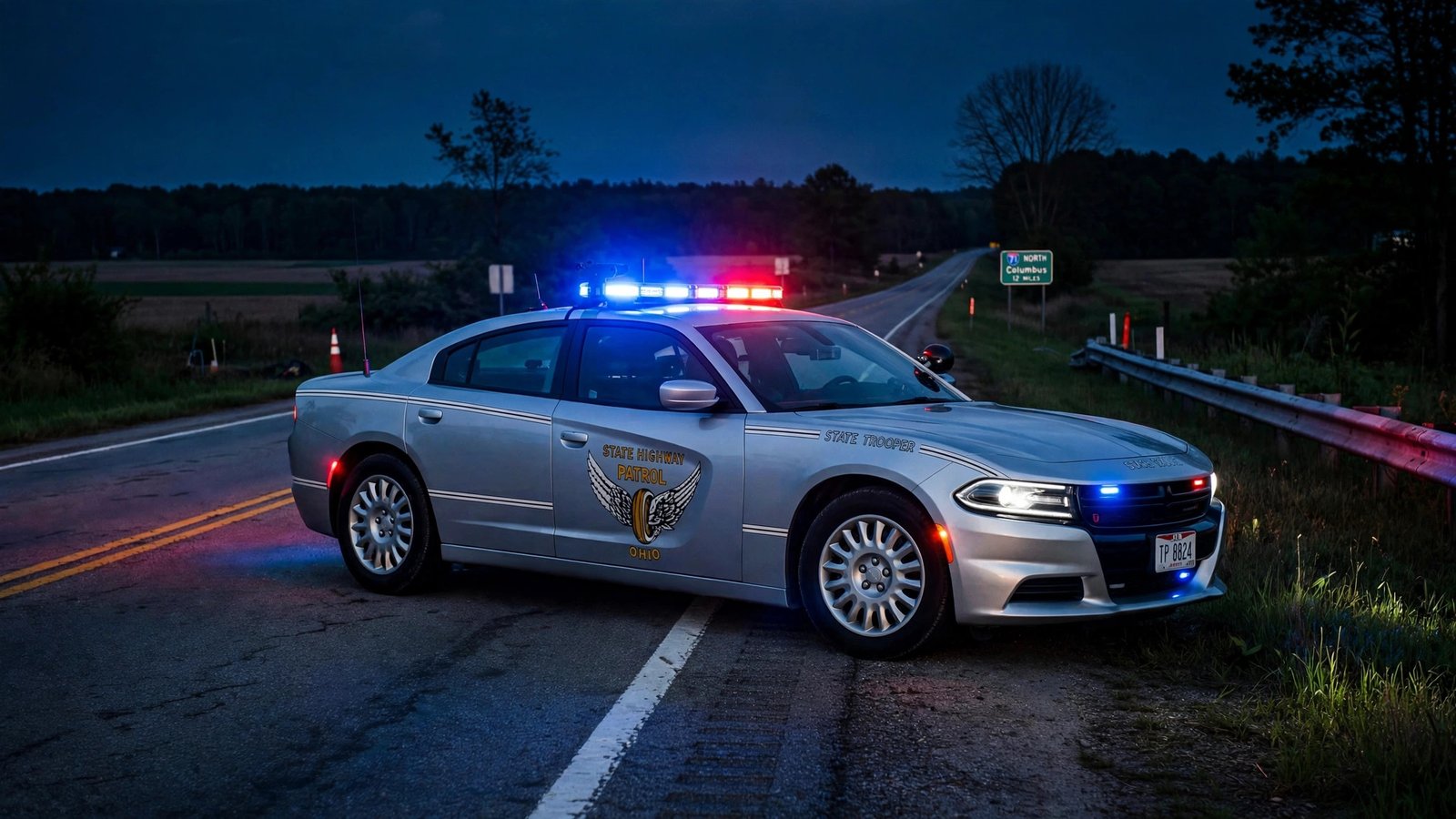
If an OSHP trooper responded to your crash, you can order an official copy of the report online. OSHP crash reports cost $4 plus a small card processing fee. Because processing takes time, wait at least seven business days after the crash before ordering — requesting too early is the most common reason orders come back empty.
Crash photographs are handled separately: photo downloads cost $4, while a DVD of the photos costs $12. OSHP retains crash reports and photos for five years, so older crashes are still retrievable within that window. Anyone with a legitimate interest in the crash — typically the drivers involved, passengers, vehicle owners, or their attorneys — can request copies. If you run into trouble with an order, OSHP Central Records can be reached at (614) 466-3536.

When a Local Police Department or Sheriff Handled the Crash
Not every crash is worked by the Highway Patrol. If a city police department or county sheriff’s office responded, that agency holds the report — it will not be in OSHP’s ordering system. Contact the agency’s records division directly and ask how they release crash reports; many departments now offer online request portals, while others still require an in-person visit or a mailed request with a small fee.
Have the date, location, and names of the drivers ready when you call — records clerks can usually locate a report quickly with those details even if you lost the report number. Response times vary by agency, so ask about the typical turnaround when you submit your request.
Practical Tips for Getting Your Report Faster
- Save the report number the officer gives you at the scene — it is the fastest search key in every system.
- Know who responded: OSHP, city police, or sheriff — it determines which office holds your report.
- Respect the waiting periods: about seven business days for OSHP online orders, and up to six weeks for the free retrieval portal.
- Decide official vs. unofficial early: insurance claims often accept the free copy, but court filings usually require the certified official version.
- Start at the official portal: use the Ohio Crash Retrieval system first — it costs nothing and covers reports from agencies statewide.
Once you have the report in hand, review it carefully for errors in names, dates, vehicle descriptions, and the narrative of what happened — mistakes do happen, and correcting them early saves headaches with insurers later. After a crash you’ll deal with paperwork — keep your Ohio BMV registration renewal fees current too, so one bad day on the road doesn’t turn into a second one at the BMV.
